Set up PNetwork on iOS with Shadowrocket
August 19, 2026
Already own Shadowrocket? It works great with PNetwork. (If you don’t own it, the free official sing-box app does the same job — same link, same nodes.)
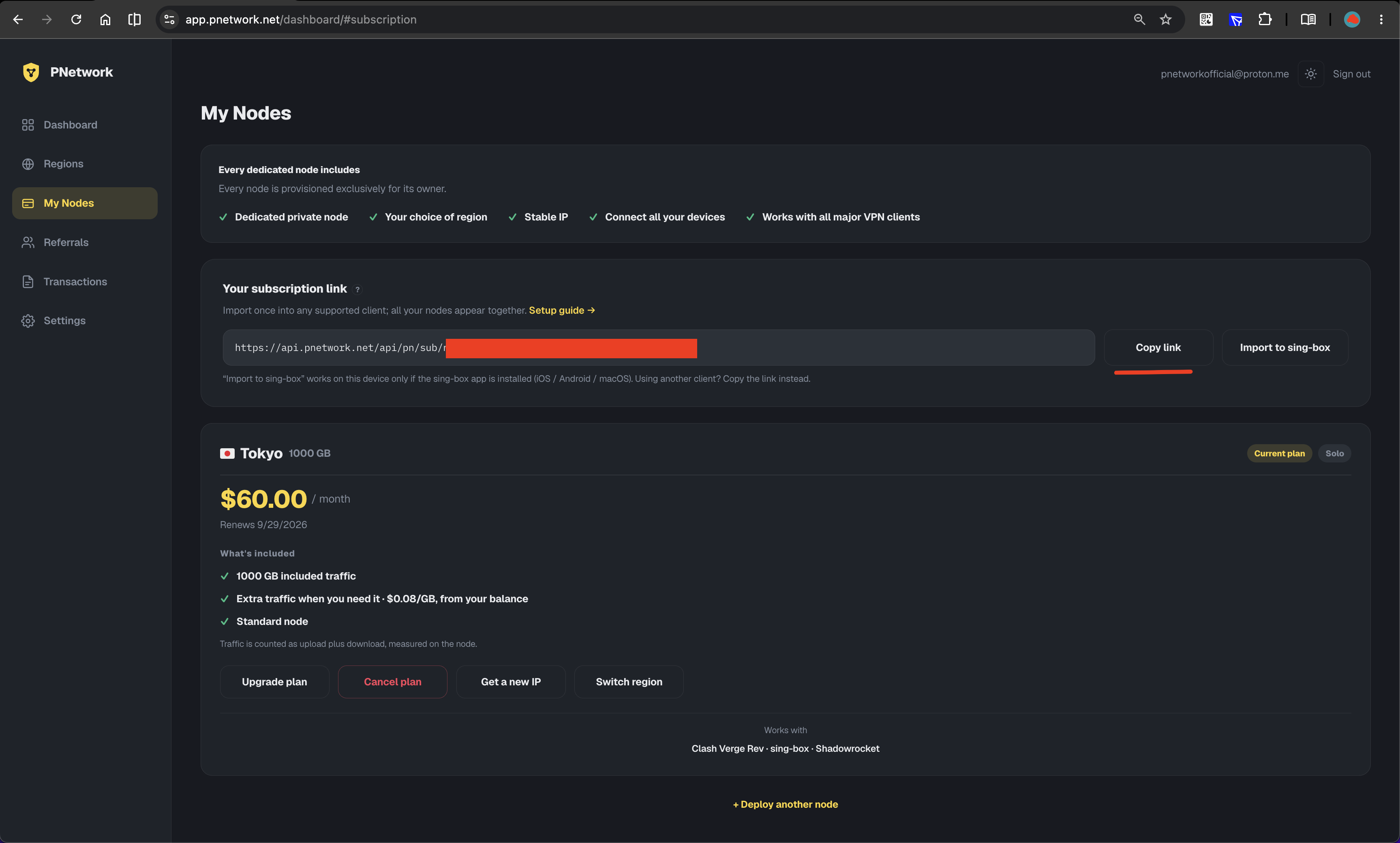
1Copy your subscription link
Open Dashboard → My Nodes and click Copy link on the “Your subscription link” card. Treat it like a password: anyone who has it can use your node.
2Open Shadowrocket
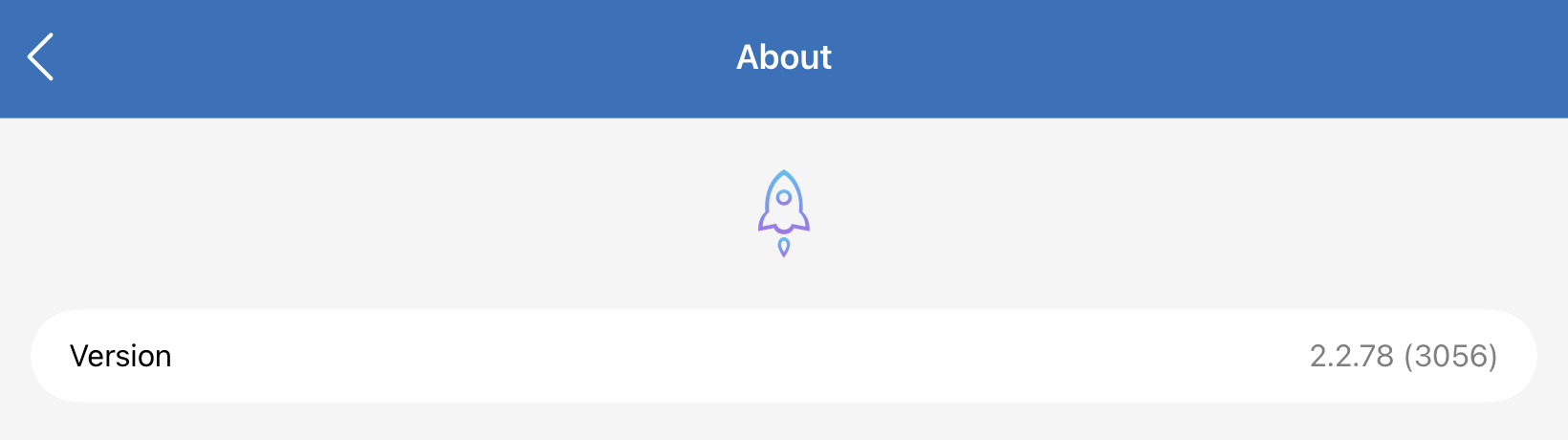
This guide was made with version 2.2.78 — any recent release works, but the app must be 2.2.35 or newer. Older versions predate the protocols PNetwork uses: they import the subscription without any error and the ping test even shows green, yet real traffic never flows (see step 7).
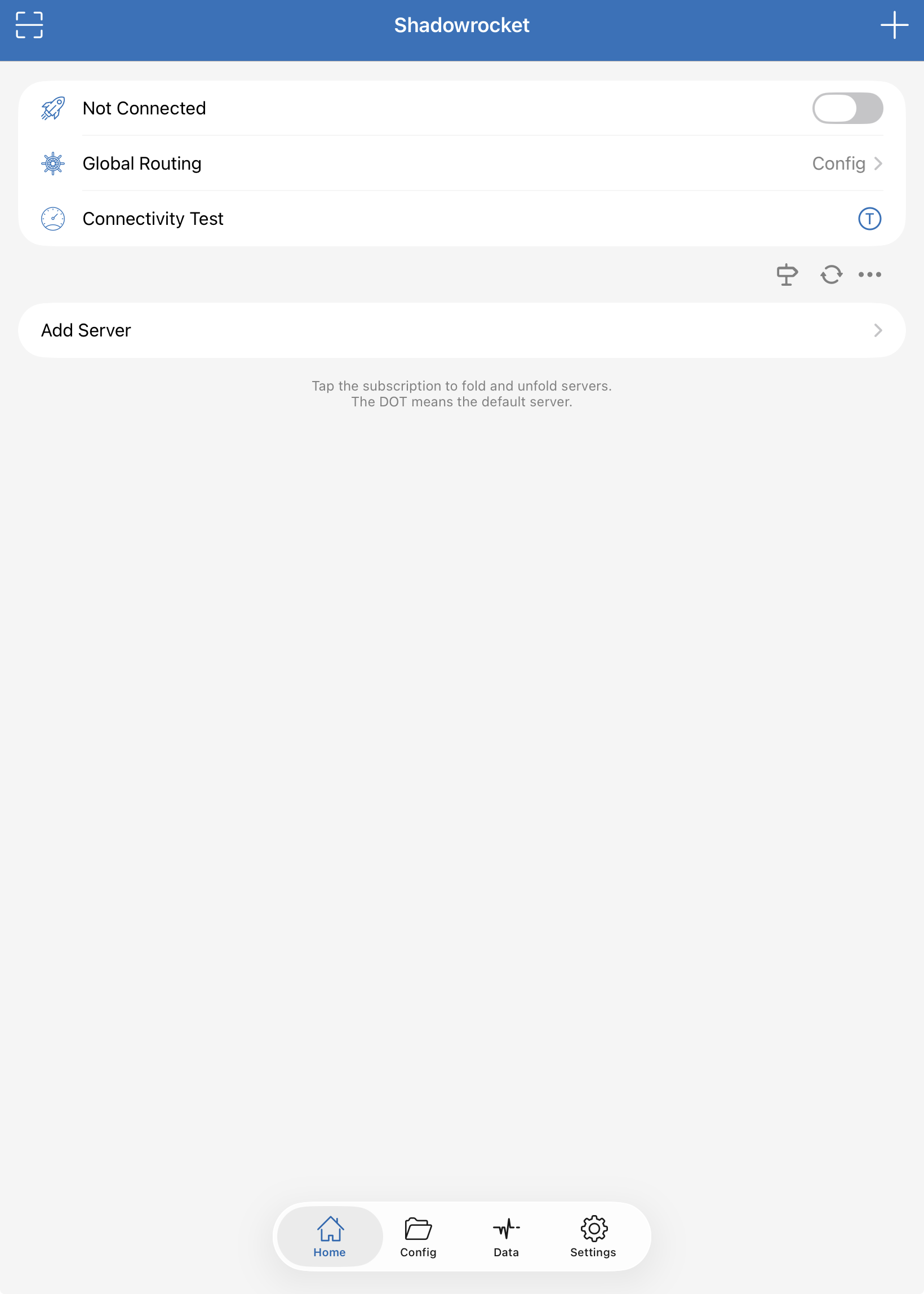
On a fresh install the Home tab shows Not Connectedand an empty server list — you’ll add your subscription next.
3Add the subscription
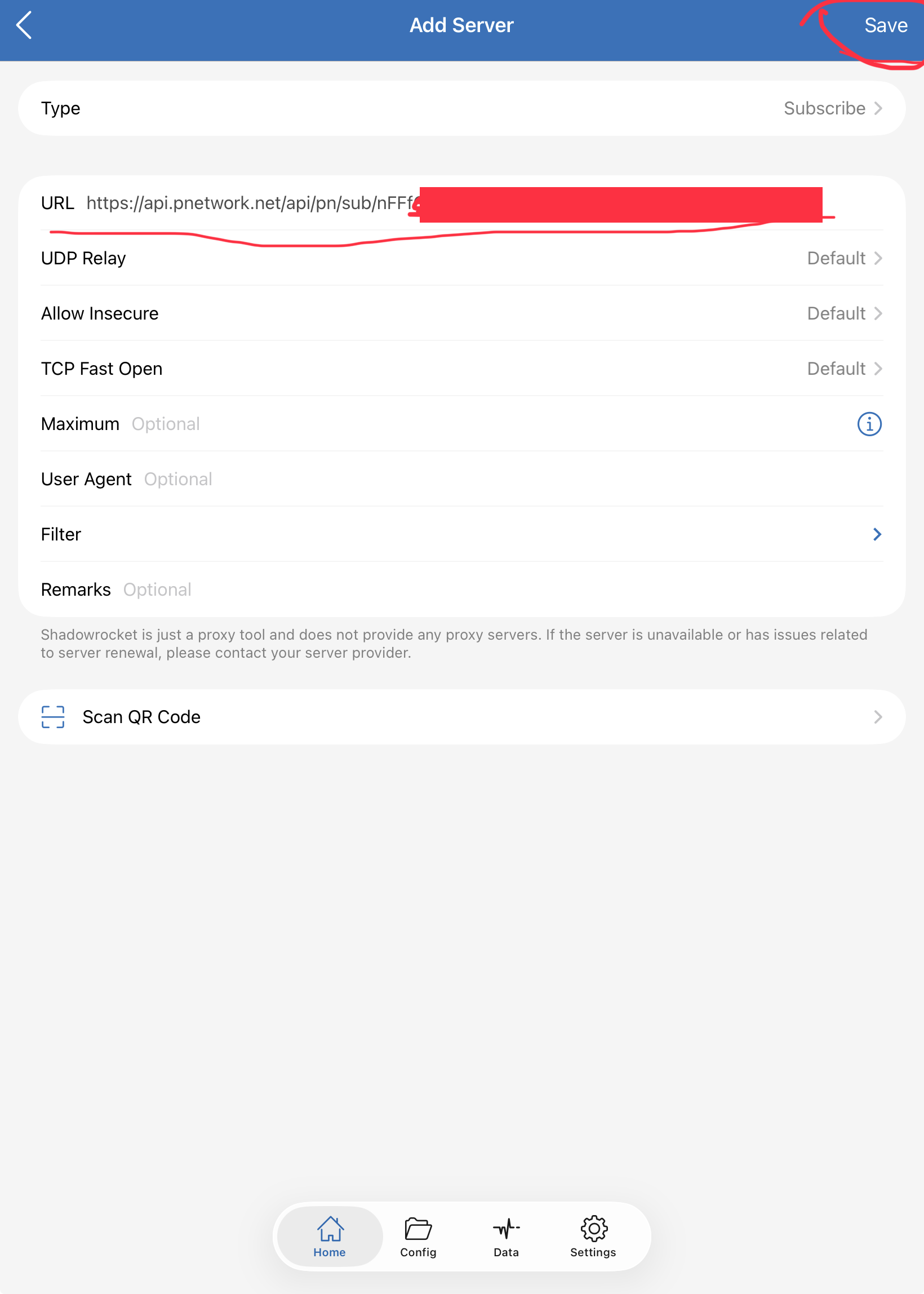
Tap + in the top-right corner (or Add Server), set Type to Subscribe, paste your subscription link into the URL field, and tap Save.
4Connect
Your PNetwork node appears in the server list with two entries — VLESS and HY2 (same node, different route; switch if one feels slow). Select one and flip the connect toggle at the top. iOS asks to add a VPN configuration the first time — allow it. The subscription row also shows your traffic usage and expiry; pull it fresh anytime with the refresh icon.
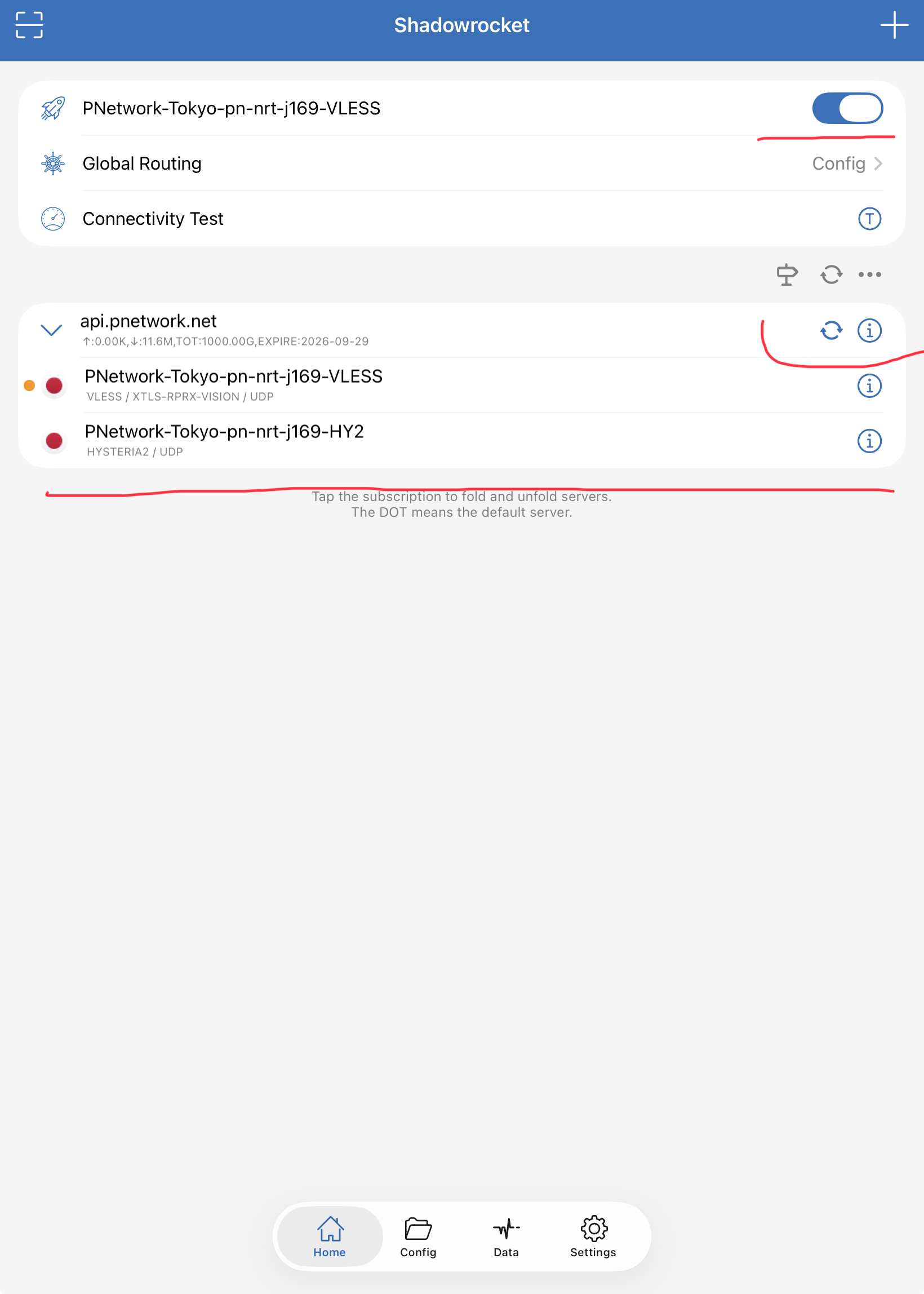
5Verify
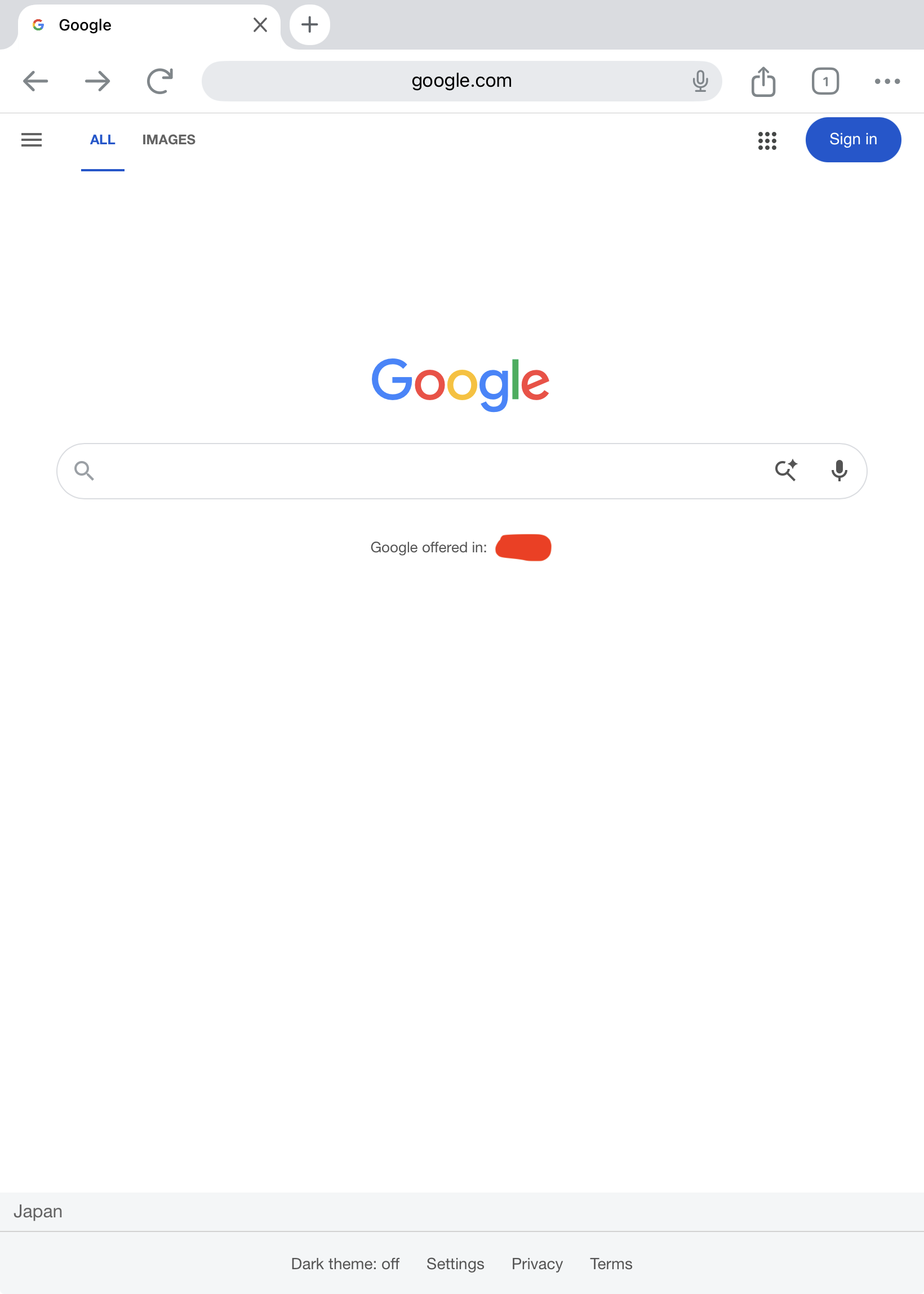
Open Safari and visit any site that was previously unreachable, or an IP-check site — it should show your node’s IP and region.
6Disconnect when you're done
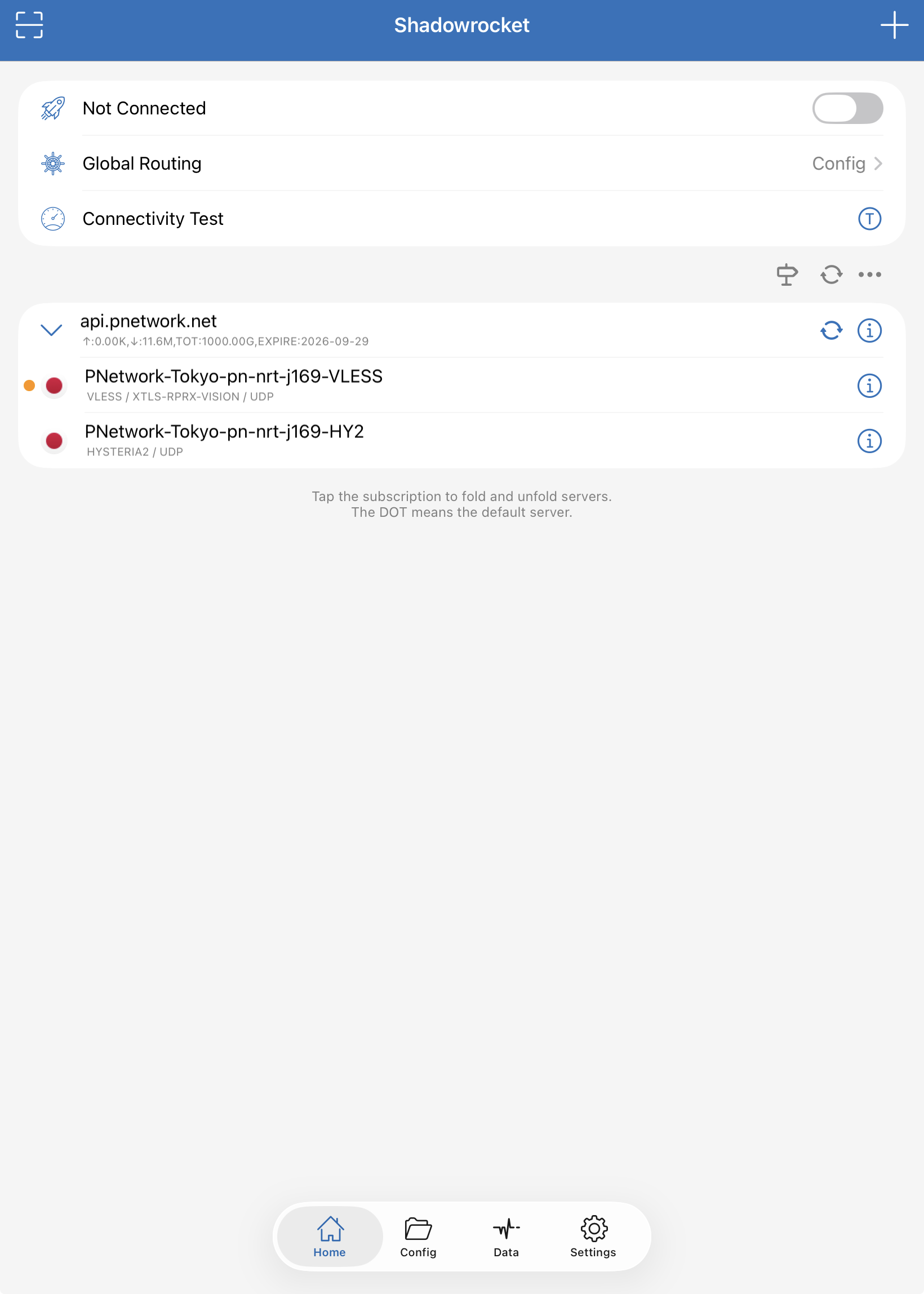
Flip the toggle on the Home tab back off — the VPN configuration stays saved, so reconnecting later is one tap.
7If it imports fine but websites won't load
Old Shadowrocket versions (before 2.2.30) don’t support the VLESS REALITY protocol. The trap: the subscription still imports without any error, the ping test shows a green number, and Connectivity Test passes — but browsing does nothing. The tell is the server row reading “VLESS / NONE” instead of showing a TLS mode. Update the app in the App Store (2.2.35+ also adds Hysteria2), or use the free official sing-box app with the same link.
Trouble connecting? See the shared troubleshooting checklist or email [email protected].